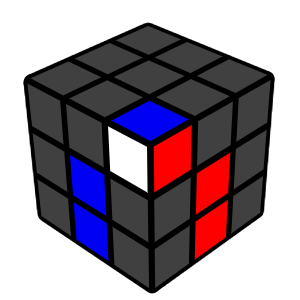
Move the Corner Above Its Slot
Rotate the top layer so the white corner sits above the correct place. Make sure the other two colours on the corner match the two side centres.
Rotate the top layer so the white corner sits above the correct place. Make sure the other two colours on the corner match the two side centres.
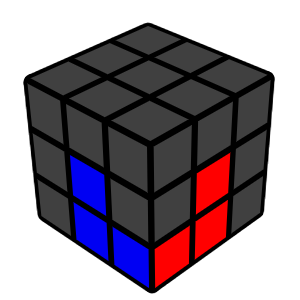
Insert the Corner
Use the right-hand algorithm repeatedly until the corner is correctly placed and oriented.
Use the right-hand algorithm repeatedly until the corner is correctly placed and oriented.
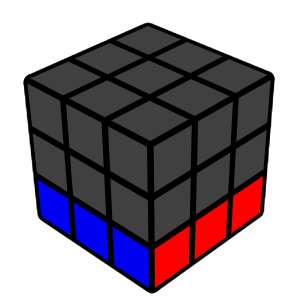
Repeat for All Corners
Continue placing each white corner the same way until the entire white face and its matching side colours are solved.
Continue placing each white corner the same way until the entire white face and its matching side colours are solved.
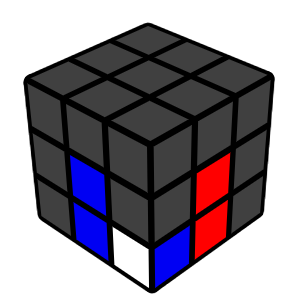
Bad Corner?
If a corner is in the bottom layer but twisted or in the wrong place, use the right-hand algorithm once to bring it back to the top. Then insert it normally.
If a corner is in the bottom layer but twisted or in the wrong place, use the right-hand algorithm once to bring it back to the top. Then insert it normally.