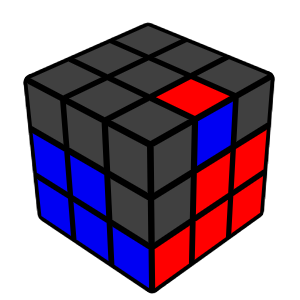
Find a top-layer edge without yellow
Look around the top layer for an edge piece that does NOT contain yellow. This piece belongs in the second layer.
Look around the top layer for an edge piece that does NOT contain yellow. This piece belongs in the second layer.
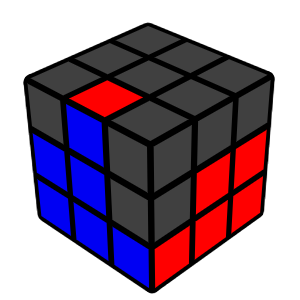
Match the edge to its center
Rotate the top layer so the front colour of the edge matches the front center. Decide whether the edge needs to go left or right.
Rotate the top layer so the front colour of the edge matches the front center. Decide whether the edge needs to go left or right.
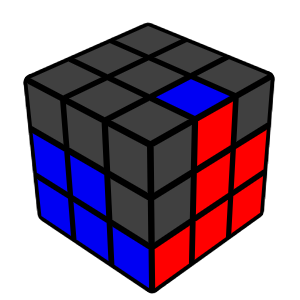
Left Insert Algorithm
If the edge needs to go to the LEFT, perform:
U' L' U L U F U' F'
(Also found on the algorithm page)
If the edge needs to go to the LEFT, perform:
U' L' U L U F U' F'
(Also found on the algorithm page)
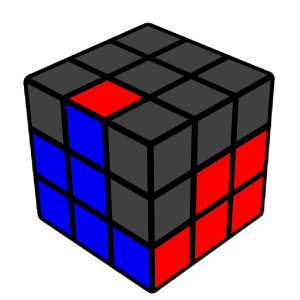
Right Insert Algorithm
If the edge needs to go to the RIGHT, perform:
U R U' R' U' F' U F
If the edge needs to go to the RIGHT, perform:
U R U' R' U' F' U F
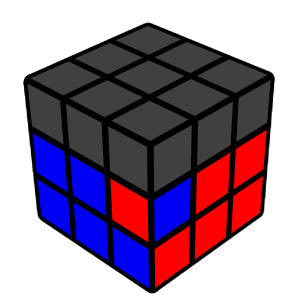
Wrong edge in the slot
If the wrong edge is already in the second layer, simply perform either insert algorithm (left or right) to remove it, then place the correct one.
If the wrong edge is already in the second layer, simply perform either insert algorithm (left or right) to remove it, then place the correct one.

Complete
Repeat these steps until all four second-layer edges are solved.
Repeat these steps until all four second-layer edges are solved.